
A weapon pickup is a class that allows you to add weapons to the world. A weapon pickup does not actually contain the weapon asset. It simply lets the player know, “Here’s a weapon you can pick up.”
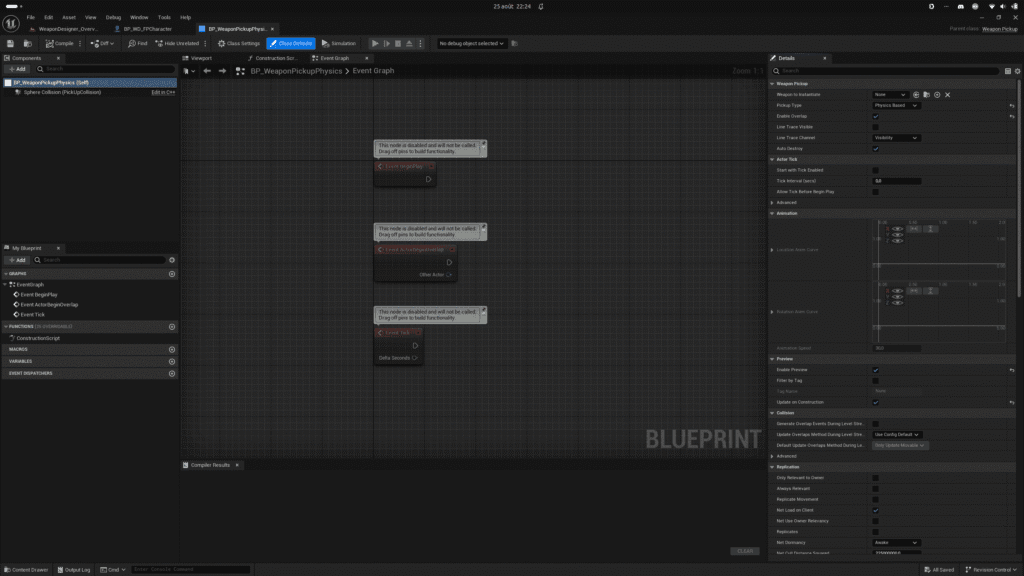
To create a Weapon Pickup, use the context menu in the content browser and select “Weapon Pickup.” Configure the weapon pickup’s behavior and place it in the world. On the instance, select the weapon class you want to instantiate in the world.
Preview #
You can enable or disable the preview for the selected weapon class.
Type #
You can choose whether or not to enable physics, animate the weapon’s position and rotation, or simply leave it static.


