
CREATE NEW WEAPON #
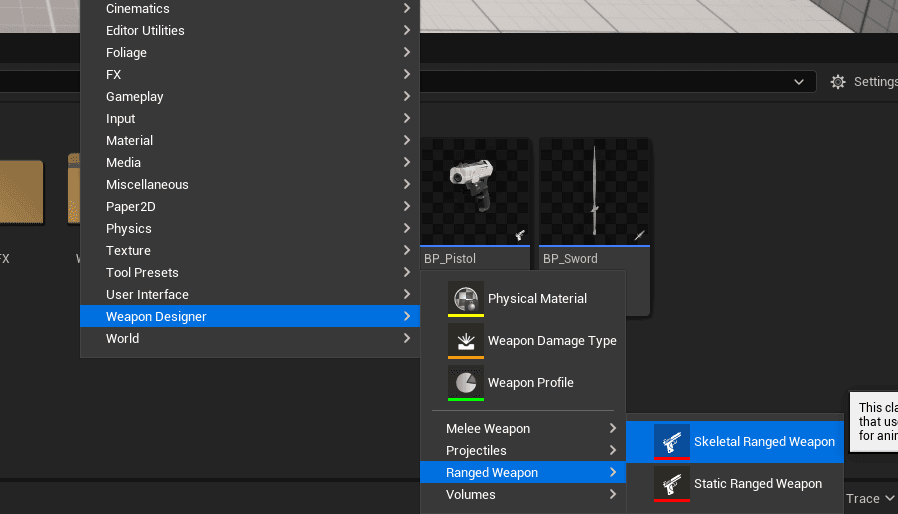
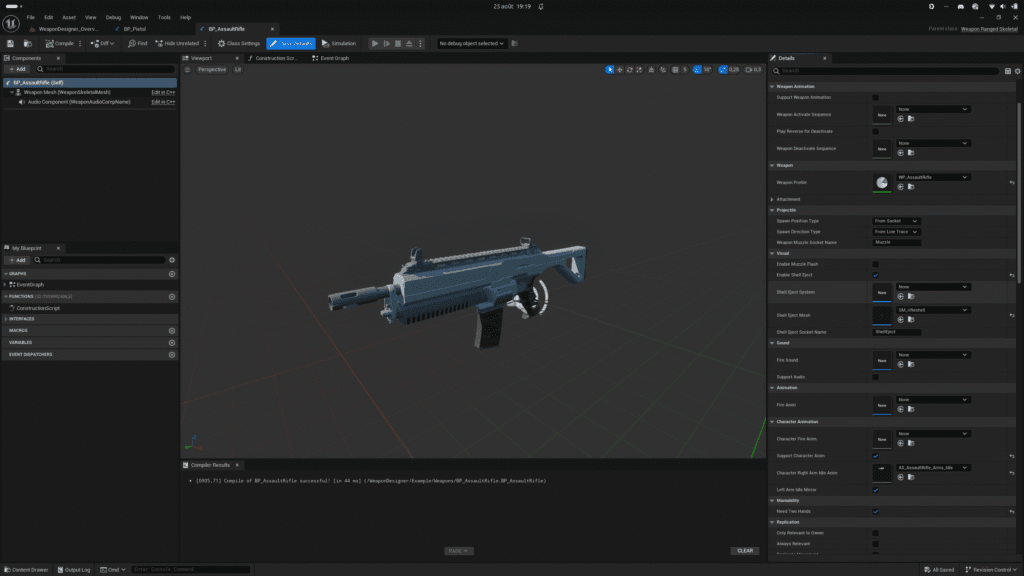
For this example, we’ll create an assault rifle. First, create a new blueprint of the Weapon Ranged type. You can create this blueprint by selecting Skeletal Weapon in the context menu from content browser. Define its characteristics, such as firing range, rate of fire, available firing modes, etc. You can enable visual effects like muzzle flash or shell ejection. Finally, you can add features to your weapon, such as overheating or jamming, by adding one of the available weapon subsystems.
In this class, you can configure the weapon’s visual and audio properties. You can also define the animations that the character holding the weapon will perform, if you wish. The weapon itself can play animations based on its state—such as when it is activated, deactivated, or fired.
CREATE WEAPON PROFILE #
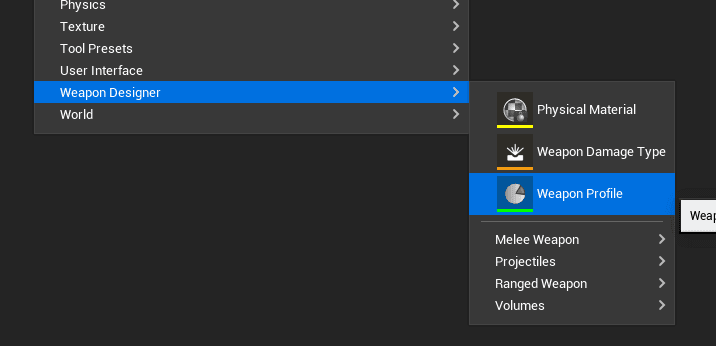
A weapon profile is a data asset that contains a weapon’s characteristics (Accuracy, Range, Projectile class to spawn, fire mode, etc.). You can quickly create a weapon profile using the context menu in the content browser. (Weapon Designer > Weapon Profile)
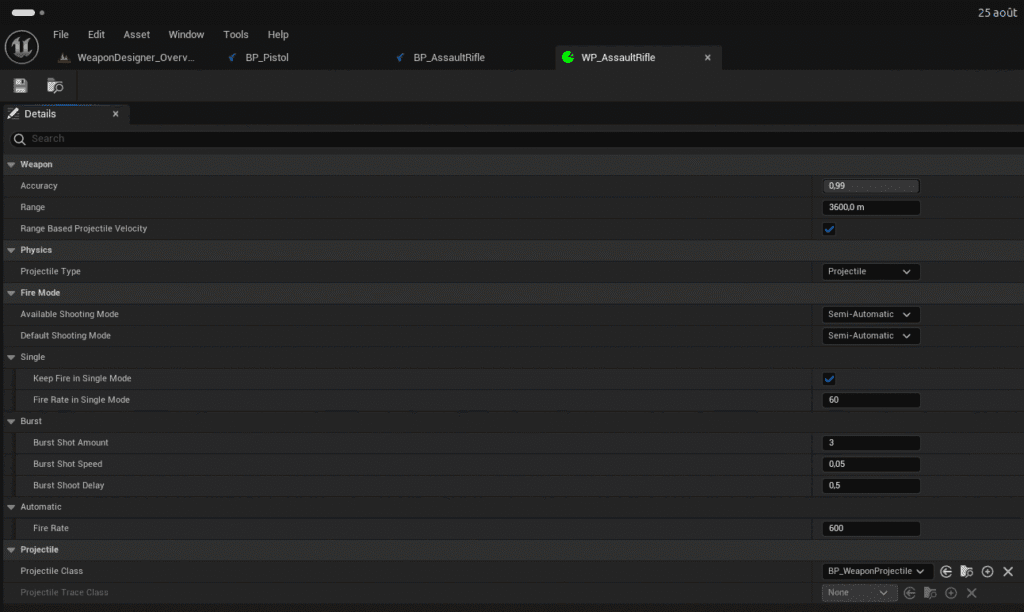
Once you’ve configured your weapon profile, you can assign it to the assault rifle blueprint.


