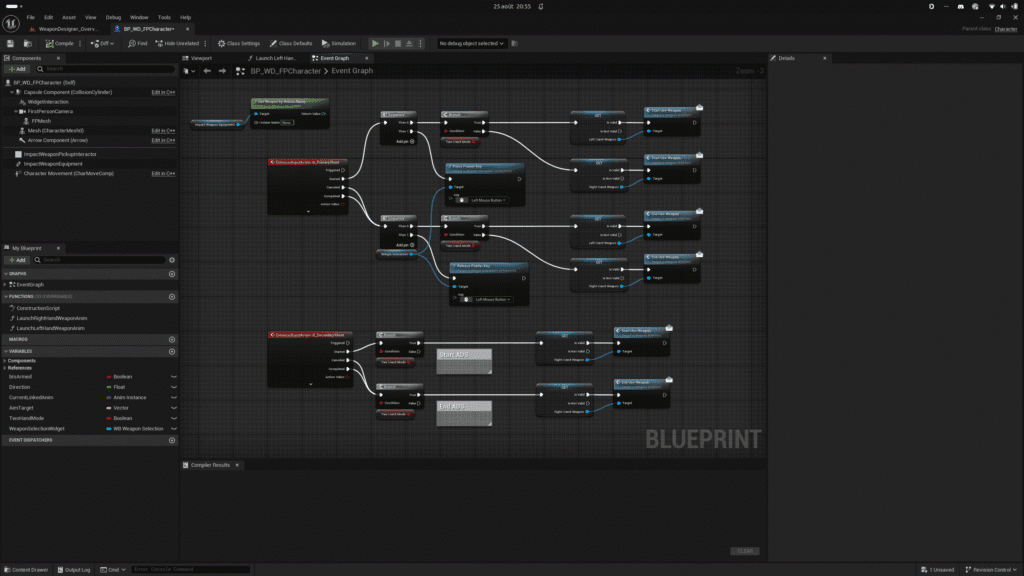
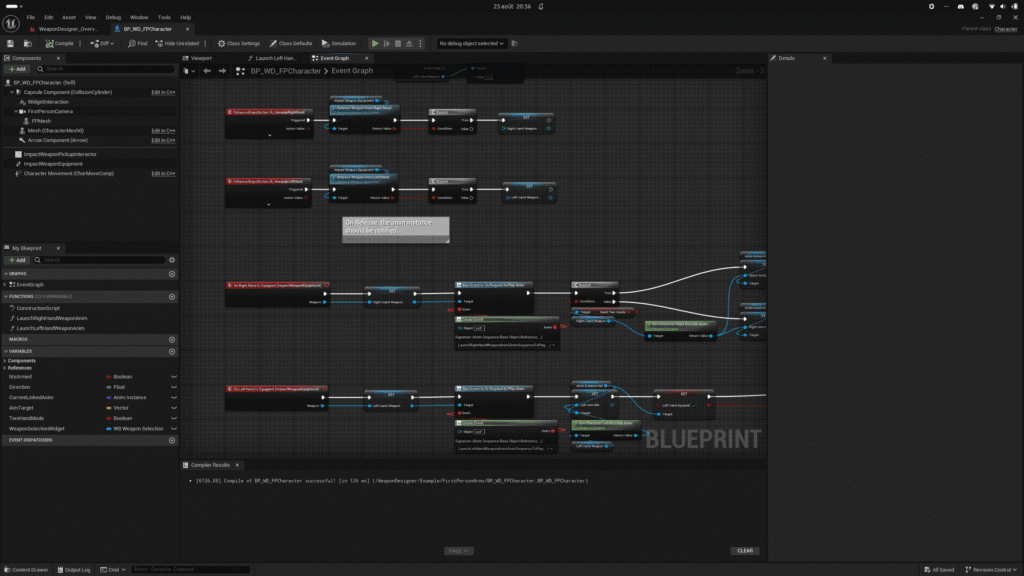
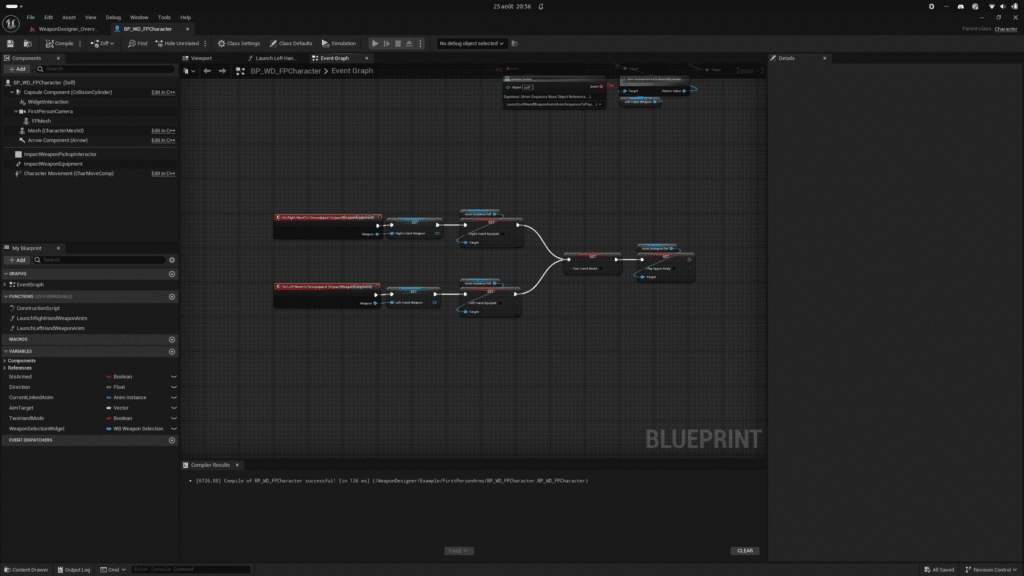
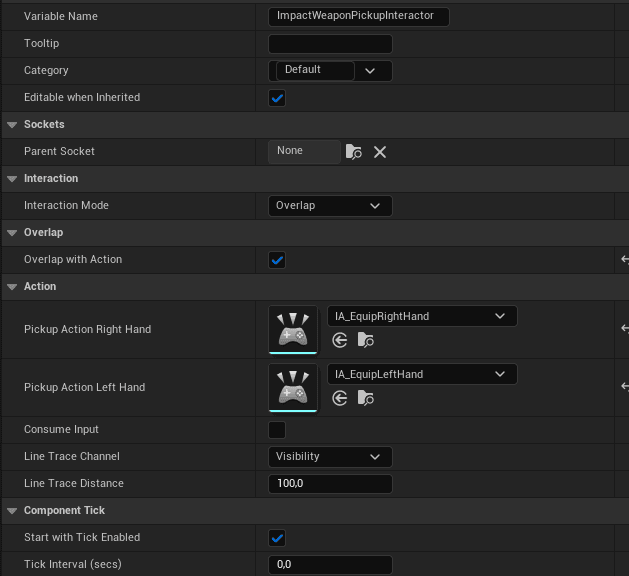
In your character’s blueprint, you need to be able to pick up a weapon, equip it on the character, and interact with it to shoot, reload, and so on. To do this, Weapon Designer includes two components: Weapon Pickup Interactor and Weapon Equipment.
Weapon Pickup Interactor #
Weapon Pickup Interactor allows you to interact with weapons in the game world via the Weapon Pickup class (we’ll get to that later). You can define how to pick up a weapon—either by moving over the pickup’s collision box or by aiming at a weapon.
Weapon Equipment #
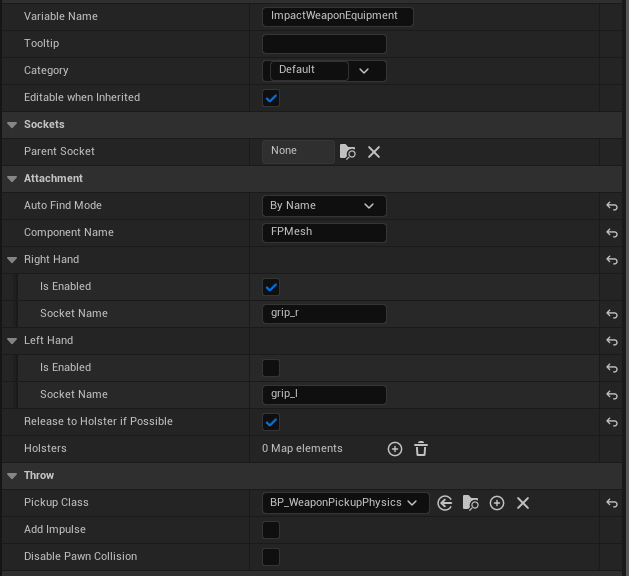
Weapon Equipment allows you to store and attach weapons to the character’s mesh. You must specify the name of the socket that will be used to attach the weapon to the right or left hand. You can also define additional storage slots (holsters) if you wish.
Next, use the action inputs of your choice to configure all interactions: equipping the right hand, firing, reloading, releasing a weapon, etc.
For basic interactions, you can use the interface designed to make it easy to interact with weapons: Start Use Weapon, End Use Weapon, Reload.