In Editor #
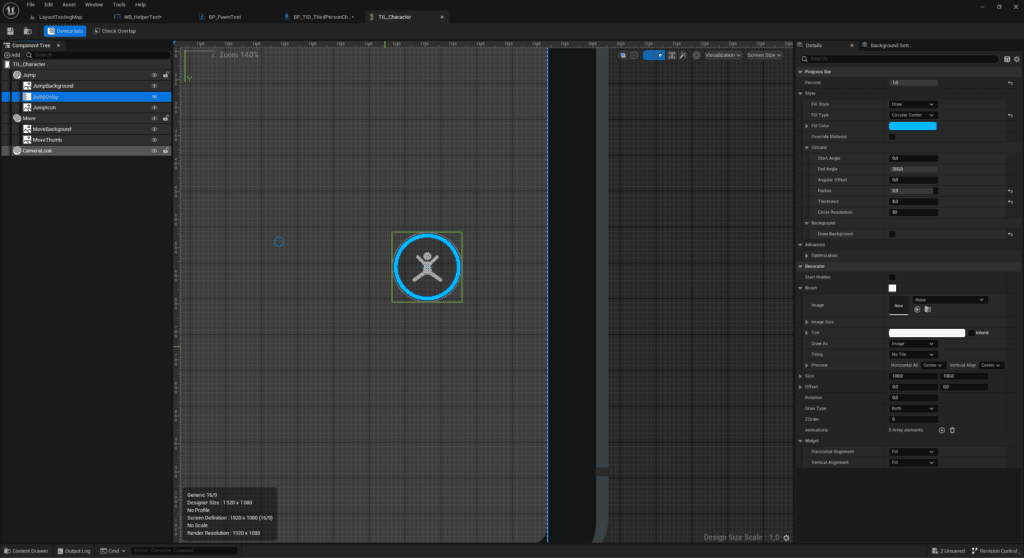
To define the appearance of a layout component, you need to add decorators that will add images, text, progress bar and other effects to the component.
Right-click on the component in the component tree and select a decorator. There are several types of decorators. The basic decorator allows you to add an image or material to the layout component. For more information on the available decorators and their effects, go to the Layout Component Decorator category.

At Runtime #
Use the functions of the Layout Component class (ULayoutComponent) to alter the component’s appearance. You can add, remove, or modify all of the component’s decorators.